
User priorities and the problem statement
Field operators require screens that remain readable under direct sun, responsive to gloved touch, and reliable over long duty-cycles. Device choice influences workflow, not the reverse. For practical deployments I recommend starting with a tested solution such as the Rugged Handheld that already accounts for daylight brightness and ruggedization requirements. This article is user-centric: it places operator shifts, environmental stress, and calibration workflow at the center of technical decisions.
Calibration mechanics that matter
Brightness, color calibration, and touch tuning are the three mechanical levers to set. Target display luminance in the 1,000–2,000 nit range for direct sun; many modern devices provide dynamic backlight scaling and PWM dimming controls so you can balance visibility against battery drain. Optical bonding reduces internal reflections and improves contrast; combine it with a tuned touch controller to keep responsiveness when users wear gloves. When you adjust parameters, log baseline values so you can reproduce a working profile in the field.
Duty-cycle strategies for continuous outdoor use
Duty-cycle optimization is about matching workload to display and thermals. Use adaptive brightness profiles tied to ambient light sensors: keep a high-brightness profile for daytime operations and a lower profile for shade or night to save power. Thermal management is equally critical—sustained 1,000+ nit output raises panel temperature and can throttle performance. Focus on these three areas: power budget, thermal throttling thresholds, and UI contrast ratios. For guidance on rugged tests, follow MIL-STD-810H practices and consider field validation in harsh locations—many teams run trials in places like the Mojave Desert to verify sunlight readability and thermal stability.
Calibration workflow — step by step
Follow a small, repeatable sequence whenever you commission or rework a device:
– Record default factory settings and firmware versions.
– Measure ambient light and set target nit levels for peak and average tasks.
– Apply optical bonding or AR-coated films if internal reflection is present.
– Tune touch sensitivity for gloved interaction and log the touch controller profile.
– Run a 4–6 hour soak test under expected ambient conditions to watch temperature drift and battery consumption. This workflow reduces surprises when the unit goes into continuous duty.
Common mistakes and quick fixes
Operators often make three persistent errors: over-driving backlight without thermal headroom, ignoring optical reflection, and failing to version-control calibration profiles. Over-driving backlight provides short-term readability but shortens battery life and risks thermal throttling—reduce peak time or use localized UI elements with higher contrast instead. Ignoring reflection leads to repeated rework—optical bonding or anti-reflective coatings is a practical fix. Not saving profiles means the team cannot reproduce success—store profiles in device firmware or on a management server.
Calibration is not one-off work — it is a workflow that should be taught to field technicians and repeated after firmware updates.
Three golden rules for selecting displays and devices
When evaluating choices, use these three critical metrics:
1) Effective daylight luminance: confirm sustained 1,000+ nit performance under load and check for PWM artifacts during dimming. This measures real-world visibility.
2) Thermal and power endurance: validate how long the device can maintain target brightness without thermal throttling or excessive battery drain. This predicts duty-cycle longevity.
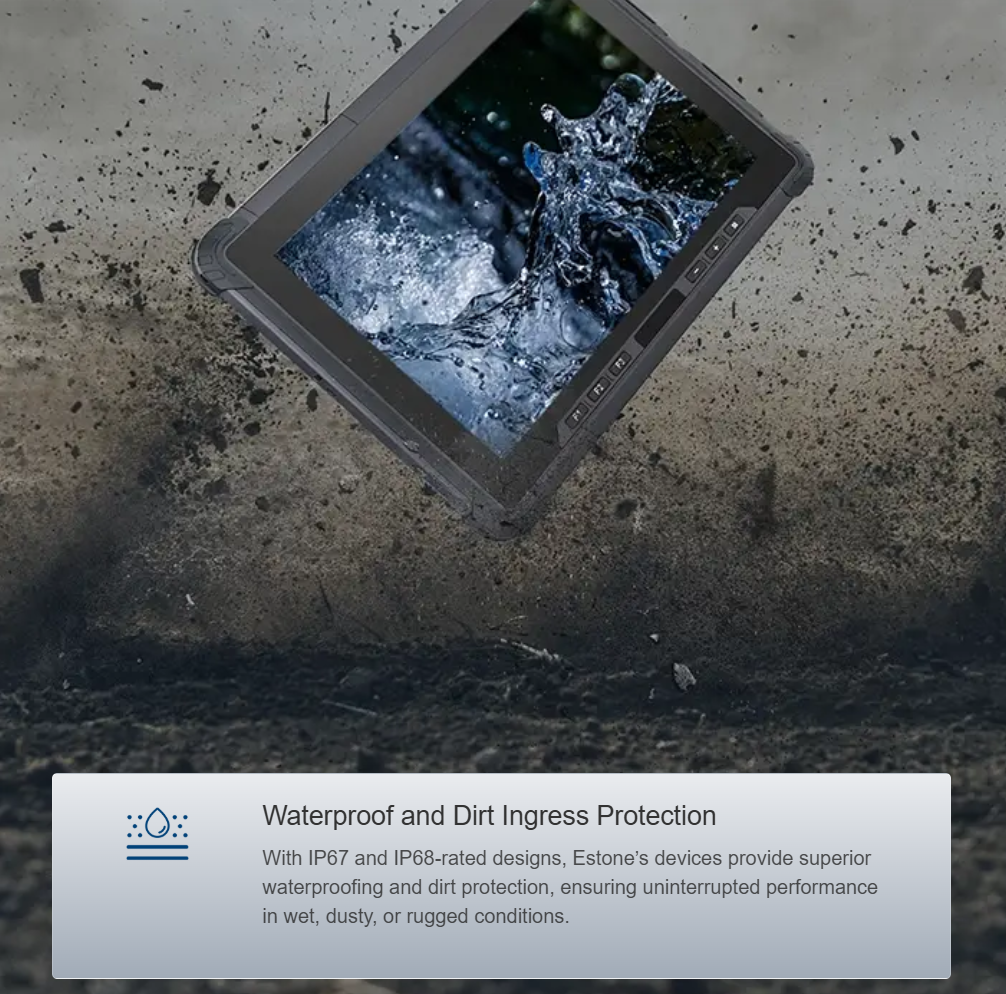
3) Rugged-cert and touch robustness: require MIL-STD-810H or equivalent testing and confirm IP67 or better ingress protection plus glove-capable touch tuning. These ensure the device survives the actual environment.
Choose vendors that publish these metrics and supply calibration tools so your technicians can reproduce settings in the field.
Field teams benefit when procurement and engineering speak the same language — calibration profiles, thermal budgets, and measured nit values — and when the supply includes devices designed with those constraints in mind. For many operations, a well-specified rugged handheld tablet supplies the right balance of brightness, bonding, and touch control out of the box. Estone has practical solutions that map directly to the three golden rules — the devices arrive with test data and configurable profiles, reducing the commissioning time for field crews. Estone. —