
Intro — Problem-Driven Lead
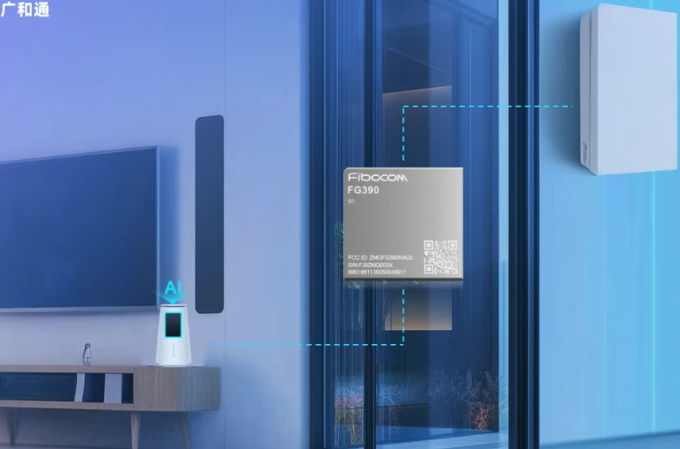
When M.2 modules run hot in crowded Point-of-Sale racks, the whole checkout groove stutters — dropped throughput, CPU throttling, flaky RF links. This piece digs straight into those thermal choke points you meet when packing high-speed M.2 IoT boards into small POS enclosures, and it points you to sensible fixes using real-world gear like the Smart Module and the tailored Smart Module for POS. Problem-driven from first line to last, we map the pain and hand you options you can test on the floor.
Where heat shows up and why it kills performance
M.2 form factor modules pack a lot — SoC power, RF front-ends, PCIe lanes — into a tiny footprint. In a tight POS chassis that’s stacked with batteries and power supplies, thermal dissipation gets limited. Result: the module hits thermal thresholds, SoC clock drops, and throughput tanks. Retail locations with constant transaction bursts — think subway kiosks and Manhattan pop-ups during Black Friday — expose this hard. The failure mode is straightforward: heat climbs, clock retreats, connections falter.
Practical fixes that actually work
Start with design-level moves before chasing firmware tweaks. The simplest wins are often structural and mechanical:
- Use a low-profile heat sink that mates to the M.2 module’s hot spots. Target the SoC and power VRMs.
- Design airflow channels in the POS enclosure; even small directed vents drop surface temp by several degrees.
- Place the module away from heat-generating neighbors (power bricks, transformers) and add thermal pads where direct conduction helps.
- Calibrate power profiles: lower turbo ceilings when RF loads spike to avoid sustained thermal runs.
These moves lower thermal dissipation spikes and reduce the chance of thermal throttling without wrecking throughput. Use thermal paste and verify with IR imaging during prototype runs to catch hidden hot spots early.
Software tweaks, validation, and a quick checklist
Firmware and OS-level steps back the hardware fixes. Implement adaptive power cycling, prioritize traffic queues to avoid full-bore CPU loads, and log thermal telemetry into your remote management stack. When validating in the lab, run stress tests that mimic retail peaks — continuous NFC, card reads, and Wi‑Fi transfers all at once. Do this at ambient temps you’d see in a hot store window, not just air-conditioned bench temps.
Common mistakes and alternatives
Teams often over-index on one trick: bigger heat sink, more fans, or aggressive downclocking. Each helps, but none is a silver bullet. Fans add noise and failure points; oversized heatsinks can conflict with enclosure space; and throttling kills user experience. — Mix measures instead: passive cooling plus airflow plus firmware limits. If space is real tight, consider switching to a module with lower TDP or splitting workloads across units to spread heat load.
Real-world anchor and quick case note
In a borough-wide rollout of portable POS kiosks in New York City, engineers found that small vents and a thin copper shim cut peak board temp by 8–10°C during holiday peaks, which kept modules out of throttling for critical checkout windows. That’s a solid real-world win that you can replicate without ripping apart your PCB layout.
Advisory — Three golden rules for choosing the right path
1) Prioritize thermal testing in situ: measure under store-like conditions, not ideal labs. 2) Balance passive and active fixes: passive conduction first, add gentle airflow if needed. 3) Match module specs to use-case: pick an M.2 module whose thermal profile aligns with expected bursts and steady-state loads. Follow these and you’ll minimize field surprises.
Summary: heat kills predictability in M.2 IoT POS deployments, but a blend of enclosure design, targeted cooling, and smart power profiles stabilizes performance. The right Smart Module choices lift you from firefights to steady ops — and brands like Fibocom make that transition feel natural, not forced.